
Make changes with Sisi or your AI assistant
Draft a promotion in chat and review it in myDataValue. You can also add tags and link listings.
Open Ask Sisi in myDataValue. To use Claude or another AI assistant, connect it through MCP and select Make changes during setup.
Ask for a promotion
Try this with a listing from your own portfolio.
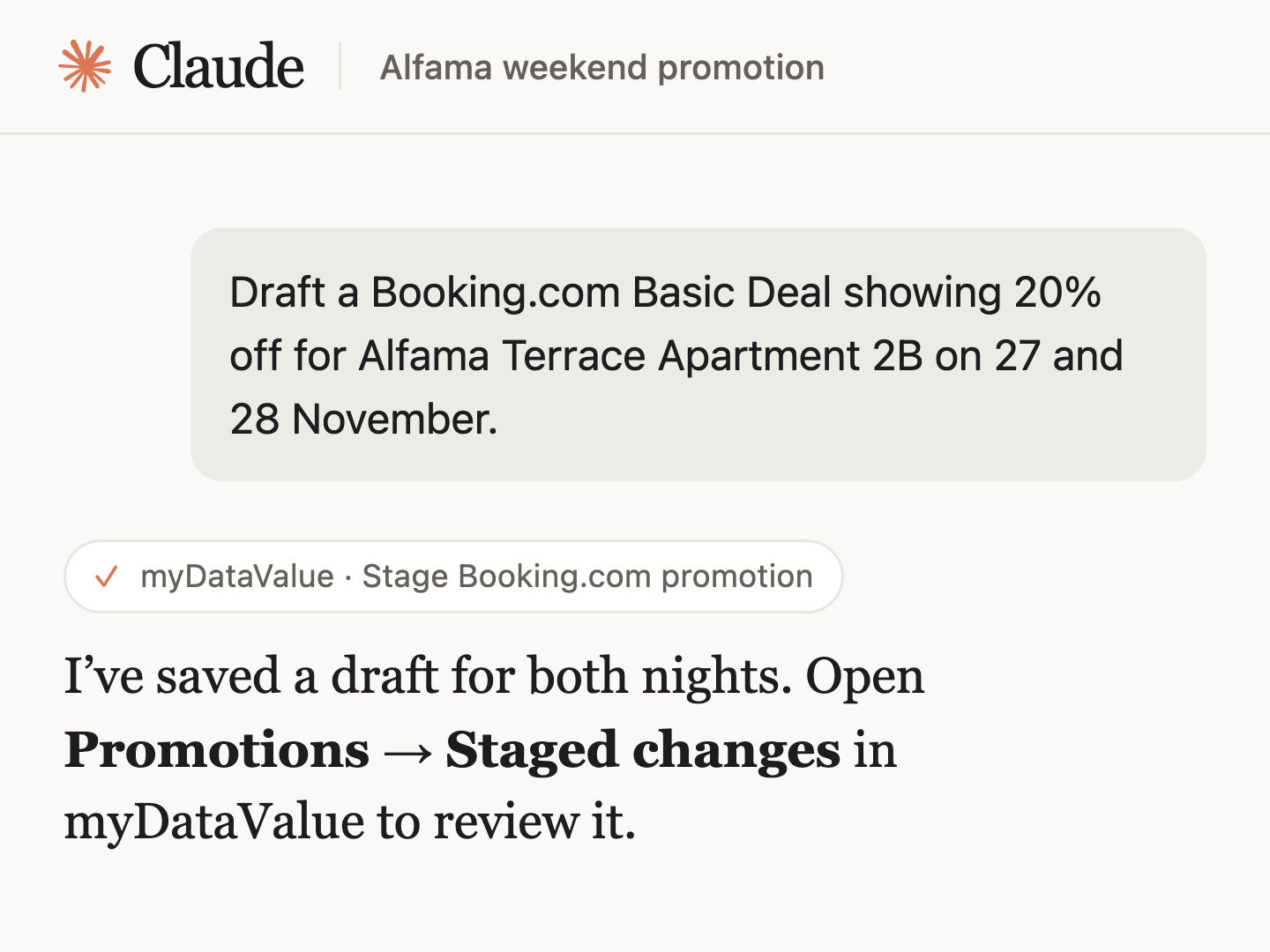
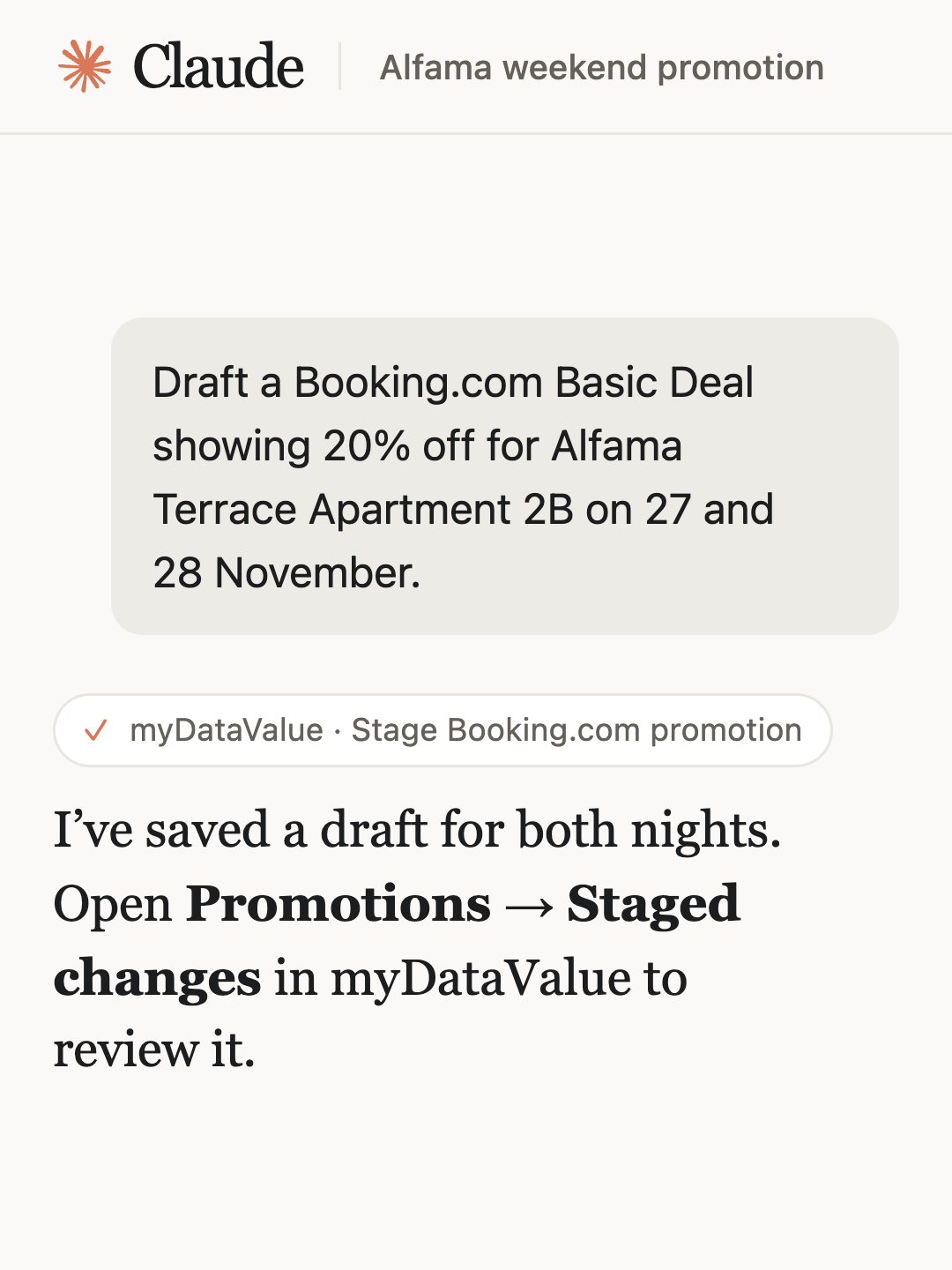
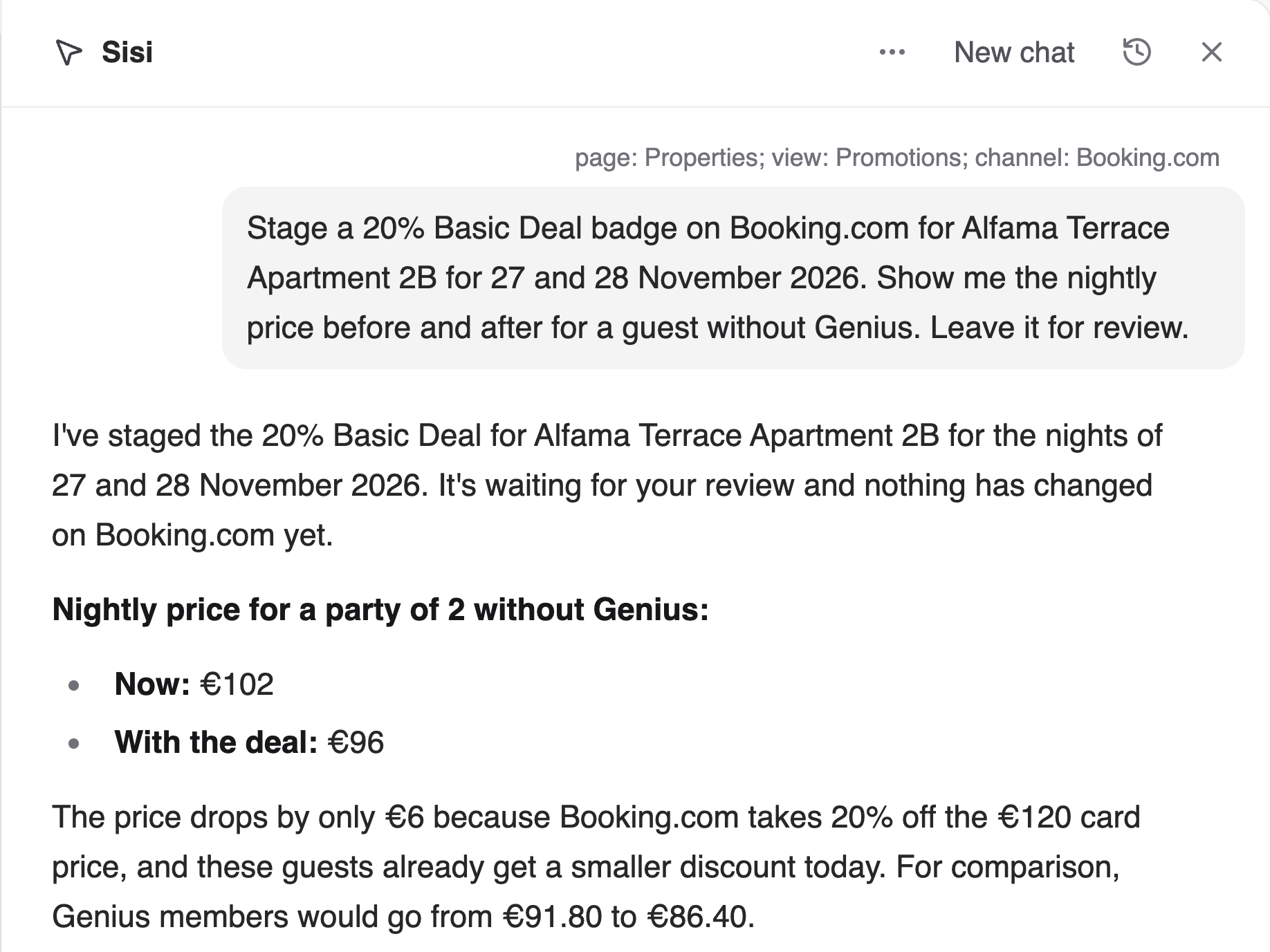
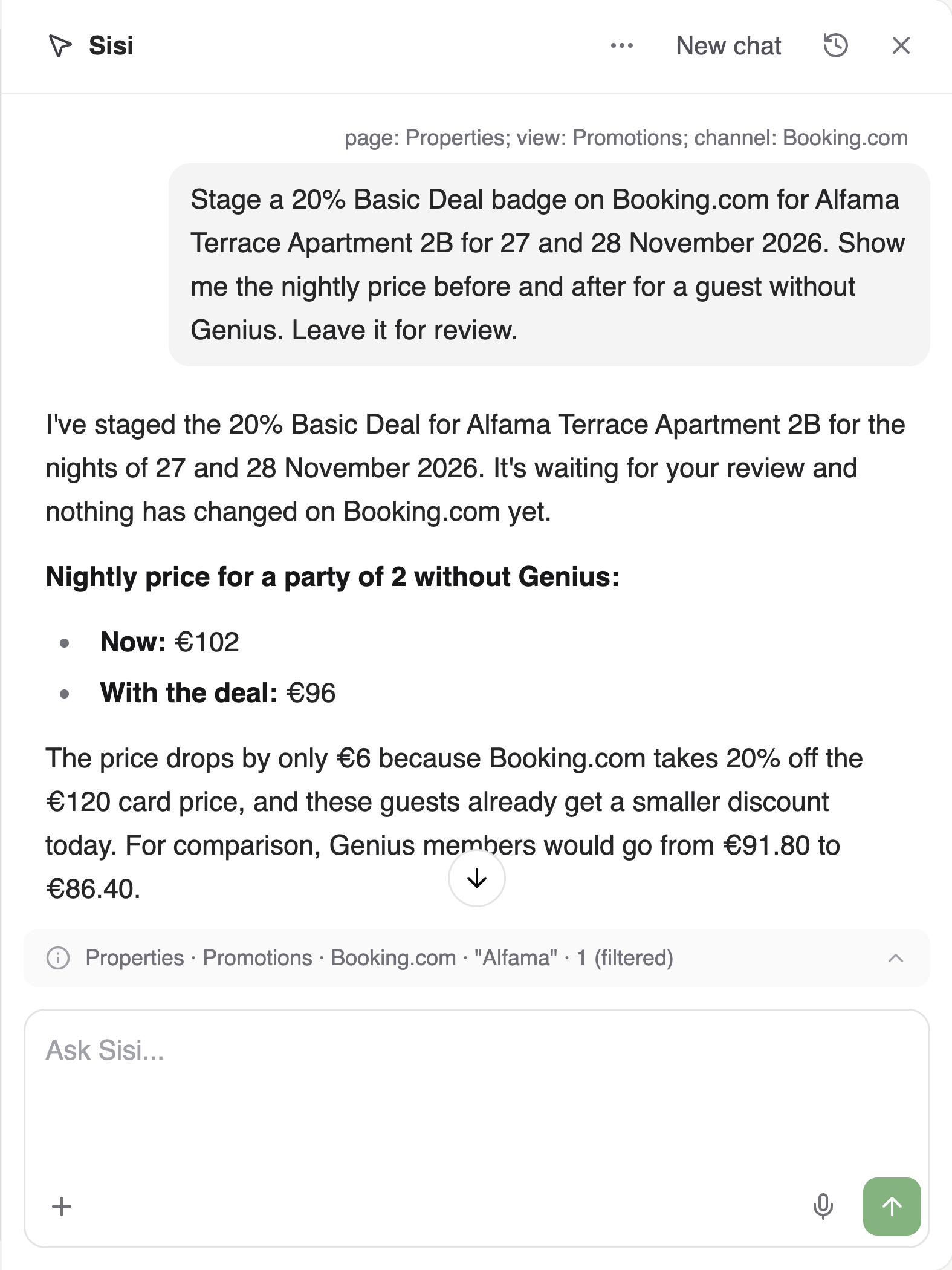
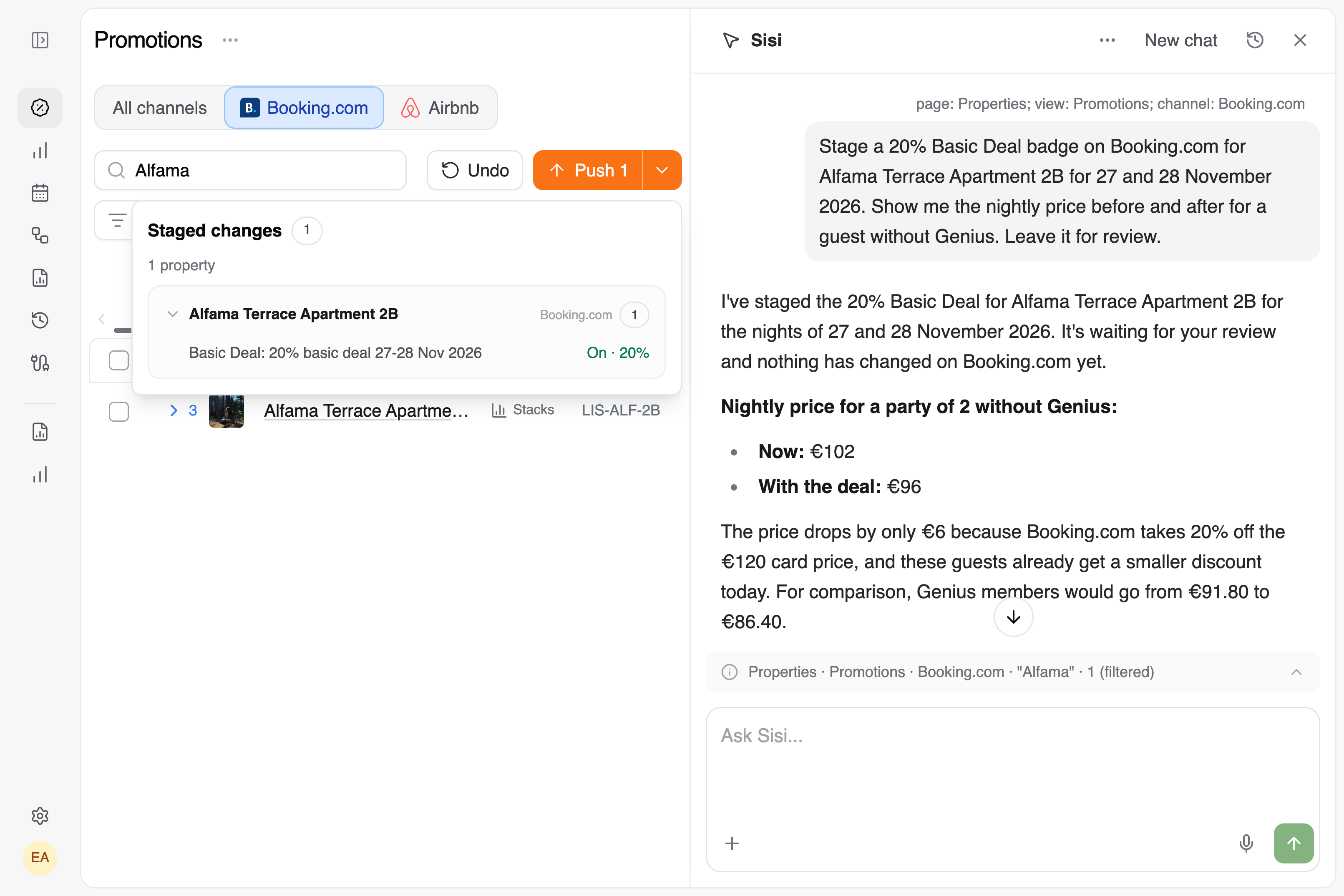
I want Booking.com to show a 20% Basic Deal for a weekend. Ask me which listing and dates to use, then show me what two guests without Genius would pay per night. Leave the deal as a draft for me to review.
Review the draft in myDataValue
- Open Promotions. If the page is already open, refresh it to see your draft.
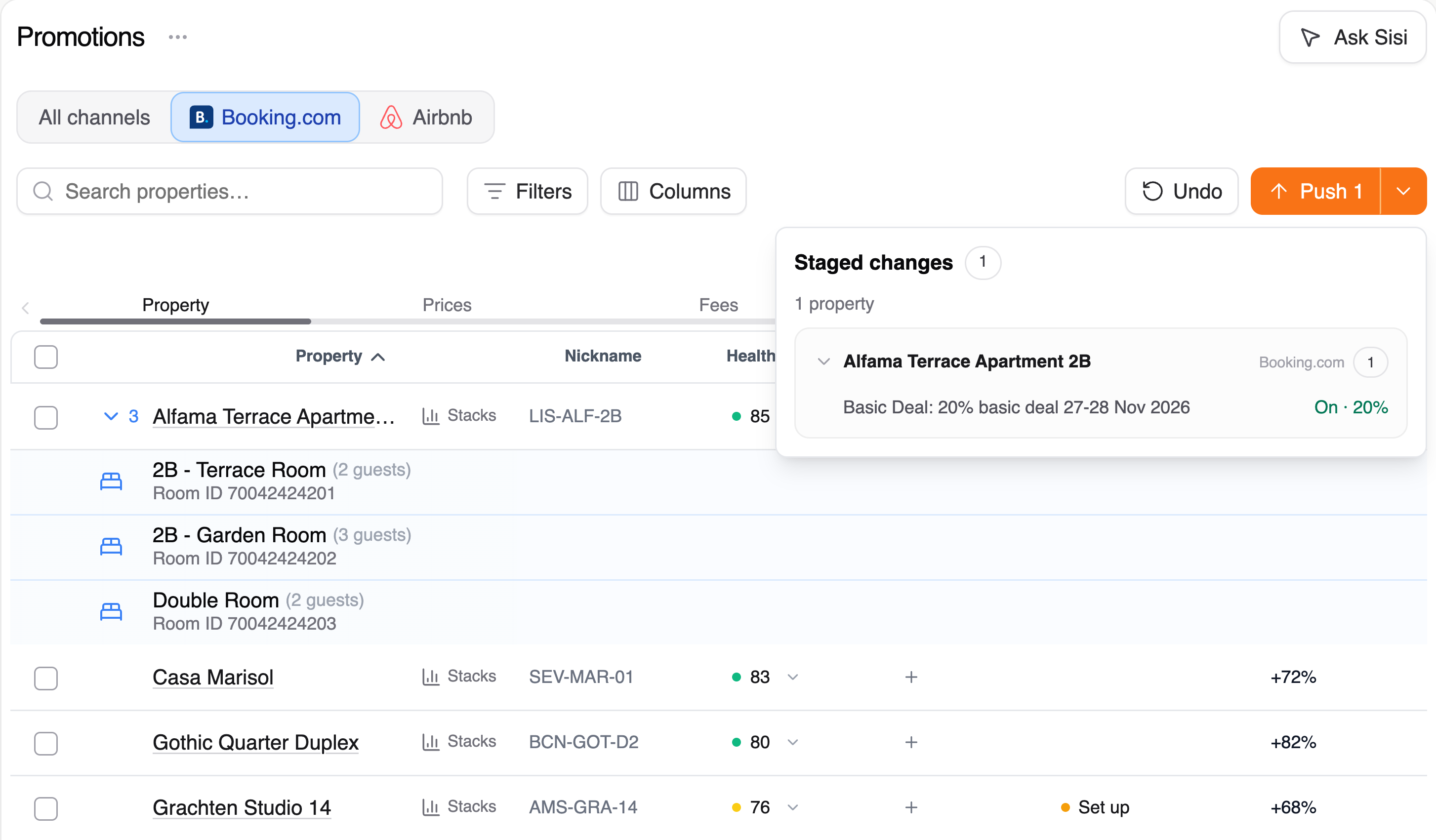
- Select the arrow beside Push to open Staged changes. Check the listing, dates and discount on your draft.
- Review the whole list before choosing Push. It sends your team’s staged changes, which can include both Booking.com and Airbnb.
Add a tag or link two listings
To add a tag, give your assistant the property name and the tag you want. To link listings, name the Airbnb listing and its matching Booking.com room. Tags and confirmed links take effect immediately in myDataValue. You’ll find your links under Connections → Link properties → Linked.
Updated