
Customize your sidebar
Pin a report, reorder your shortcuts and hide pages you rarely open.
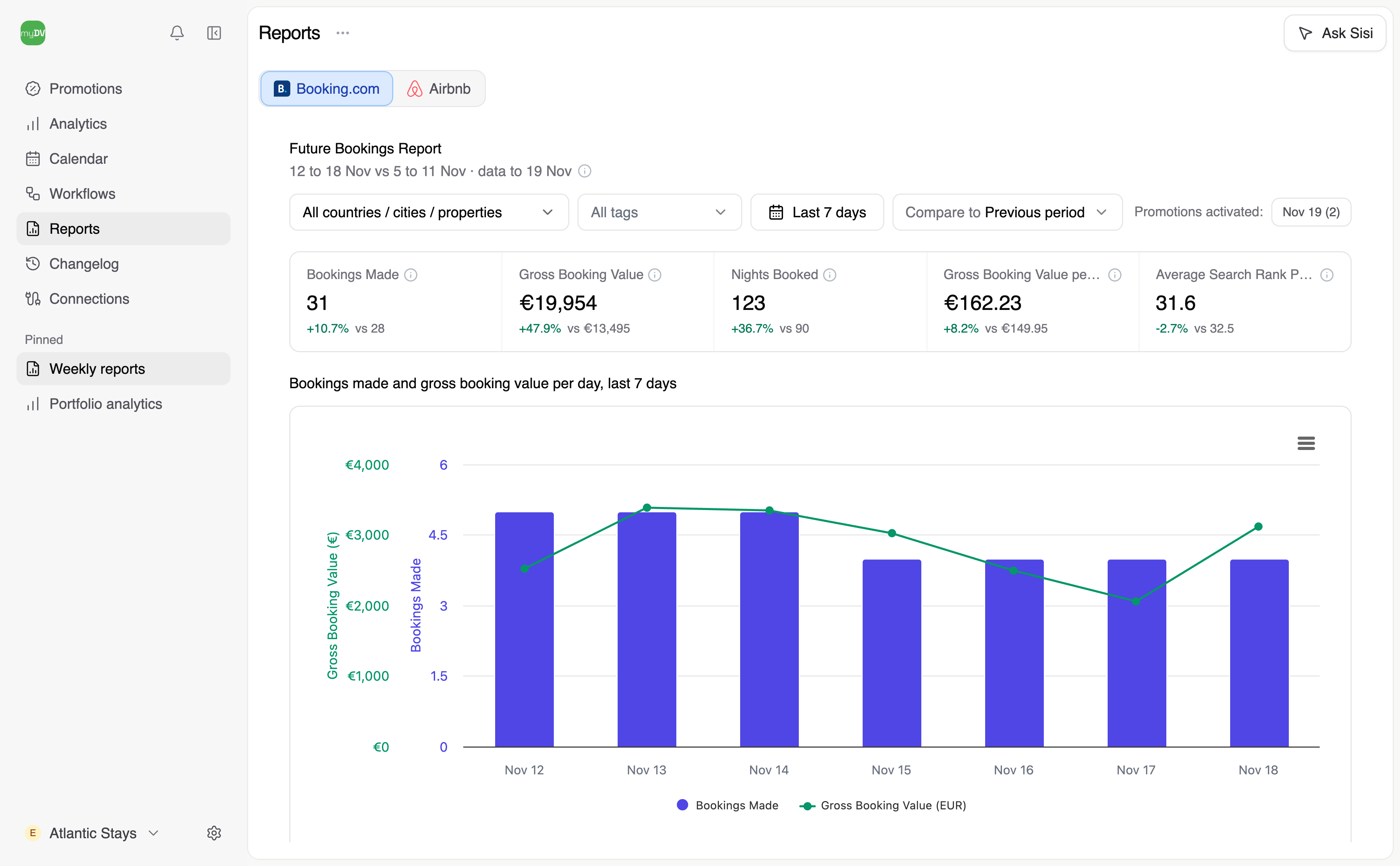
When you pin a report, it reopens with the same filters.
Pin your weekly report
- Open Reports and choose Booking.com. Select Last 7 days to see the latest week whenever you open the report.
- Open the three-dot menu beside the page title and select Pin to sidebar.
- Under Pinned, open the menu beside your new pin. Choose Rename, enter Weekly reports and select Save.
Choose what appears
Open Settings → Appearance and choose Show or Don’t show beside each page. Use the arrows under Pinned to reorder your shortcuts, or drag them in the sidebar. To remove a pin, choose Unpin from its menu.
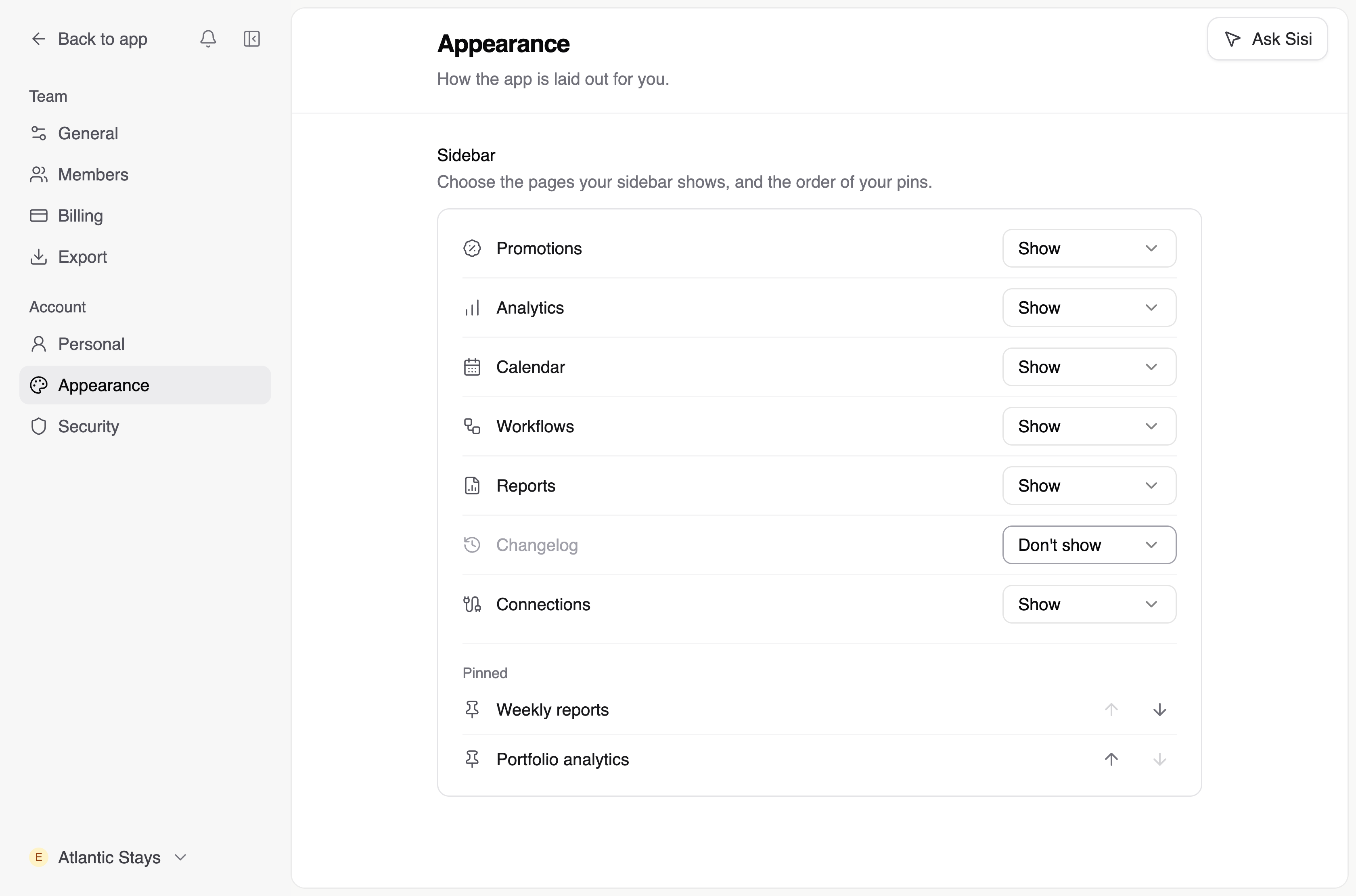
You can have different pins in each team. When you hide a page, it stays hidden across all your teams.
Updated